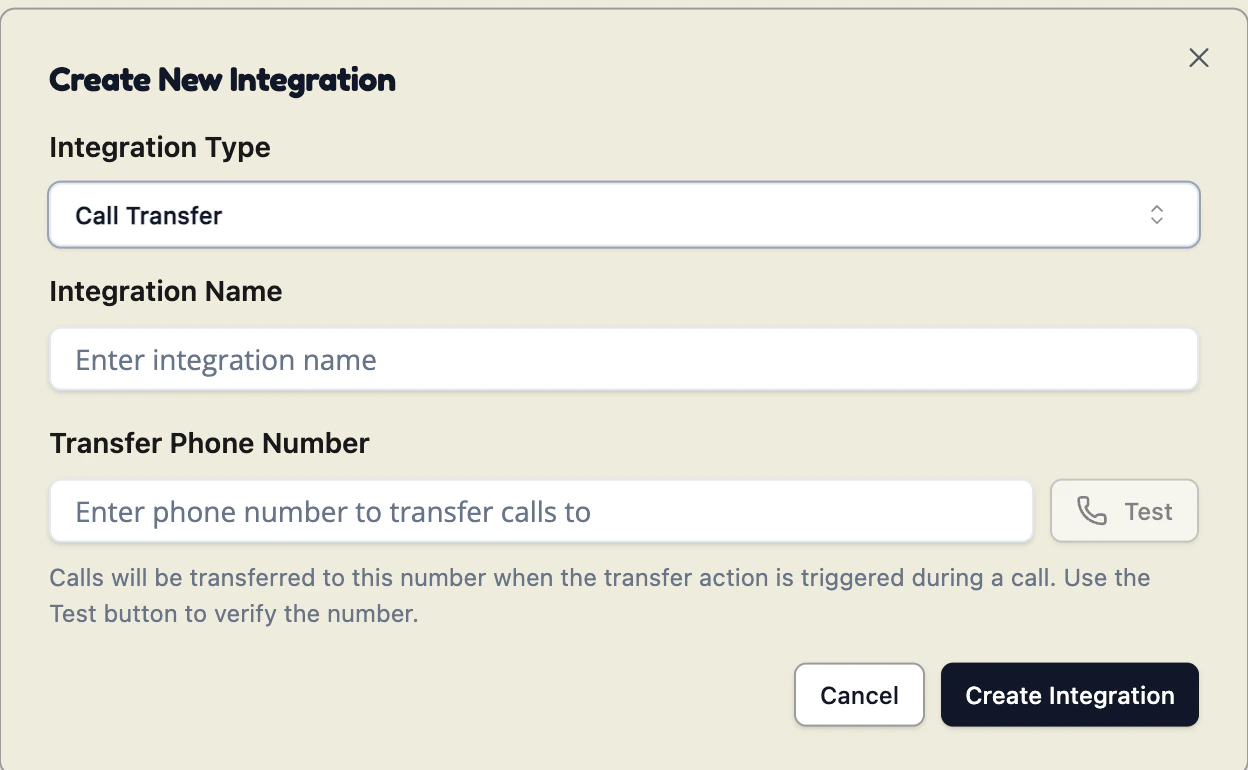
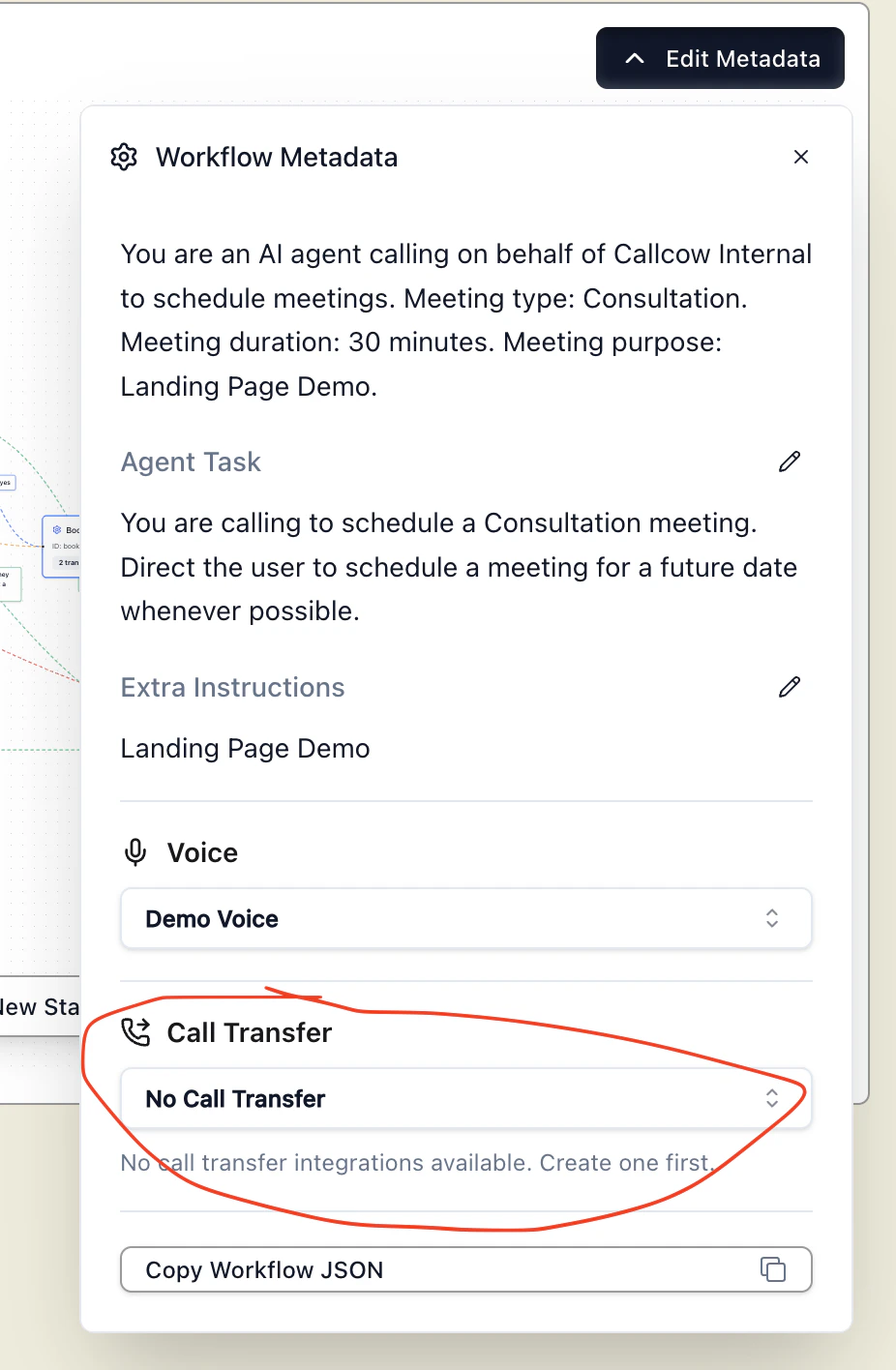
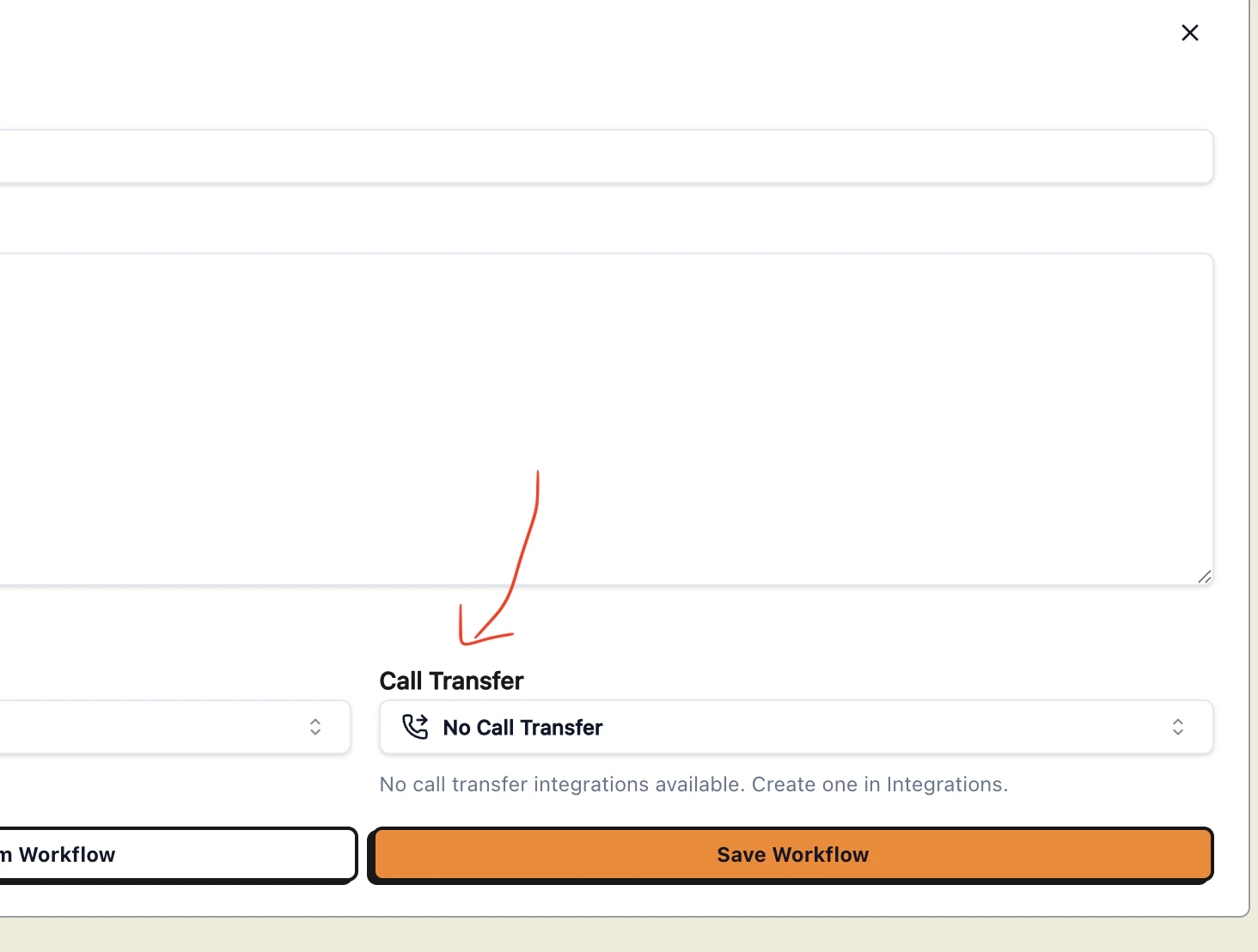
In some cases, the caller will still perfer to talk to a human. Here’s how to setup call transfer to a specific number you choose (for example, your business line.) First, create an integration for call transfer, and enter the number you which to use. Make sure to test the number so it is valid.Documentation Index
Fetch the complete documentation index at: https://docs.callcow.ai/llms.txt
Use this file to discover all available pages before exploring further.


Dynamic Transfer URL
If you need the transfer destination to change based on who is calling (e.g. routing to different departments or agents), you can set an optional Dynamic Transfer URL on the call transfer integration. When configured, the agent willPOST to your URL at the moment of transfer with the caller’s phone number:
transferNumber, the agent will fall back to the static Transfer Phone Number you configured above.