Creating a list
There are 2 ways to create a list:- in /contacts page, select Upload Contacts and upload a CSV. A list will be automatically created.
- Create a list directly via Create List in /contacts page.
Start List Calling
Once you have a list, first make sure that the numbers in the list are correct (with country codes) then, click the Start List button inside the list detail page.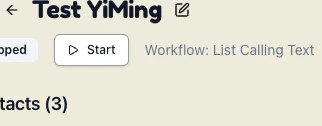
List Calling Status
Once list calling starts, you should be able to see call status and call details in the list details page.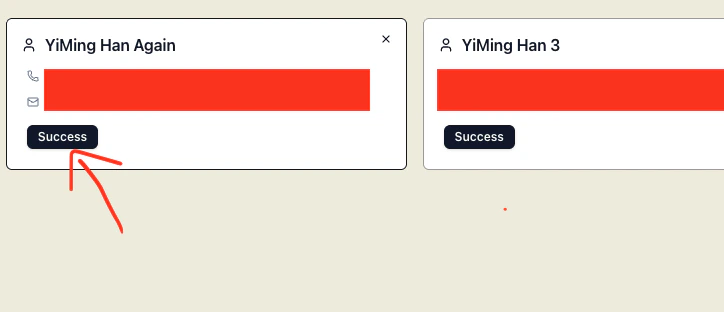
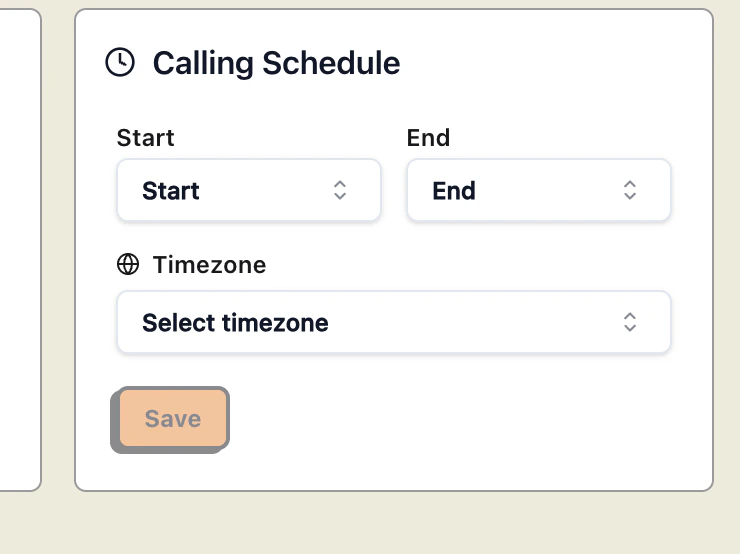
List Schedule
If you have a large list, you can also update your list schedule - we will stop calling after your scheduled time - and resume the list calling the next day on a predetermined schedule. You can update your list calling schedule in the list detail page.