> ## Documentation Index
> Fetch the complete documentation index at: https://docs.callcow.ai/llms.txt
> Use this file to discover all available pages before exploring further.
# Clone Your Voice
# Voice Cloning
You can clone your voice in 2 easy steps:
1. Select the voice tab in the settings page
2. Record a 30 second audio snippet and clone your voice!
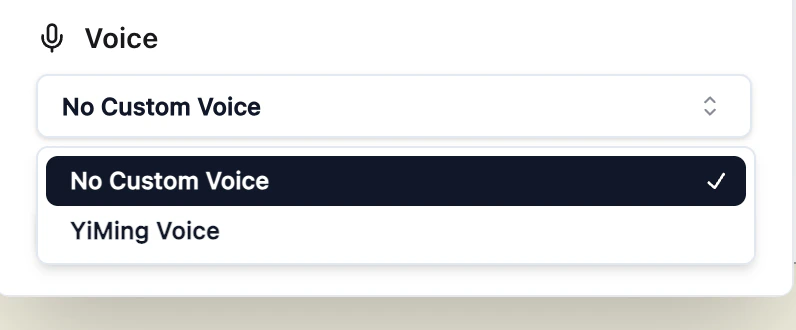
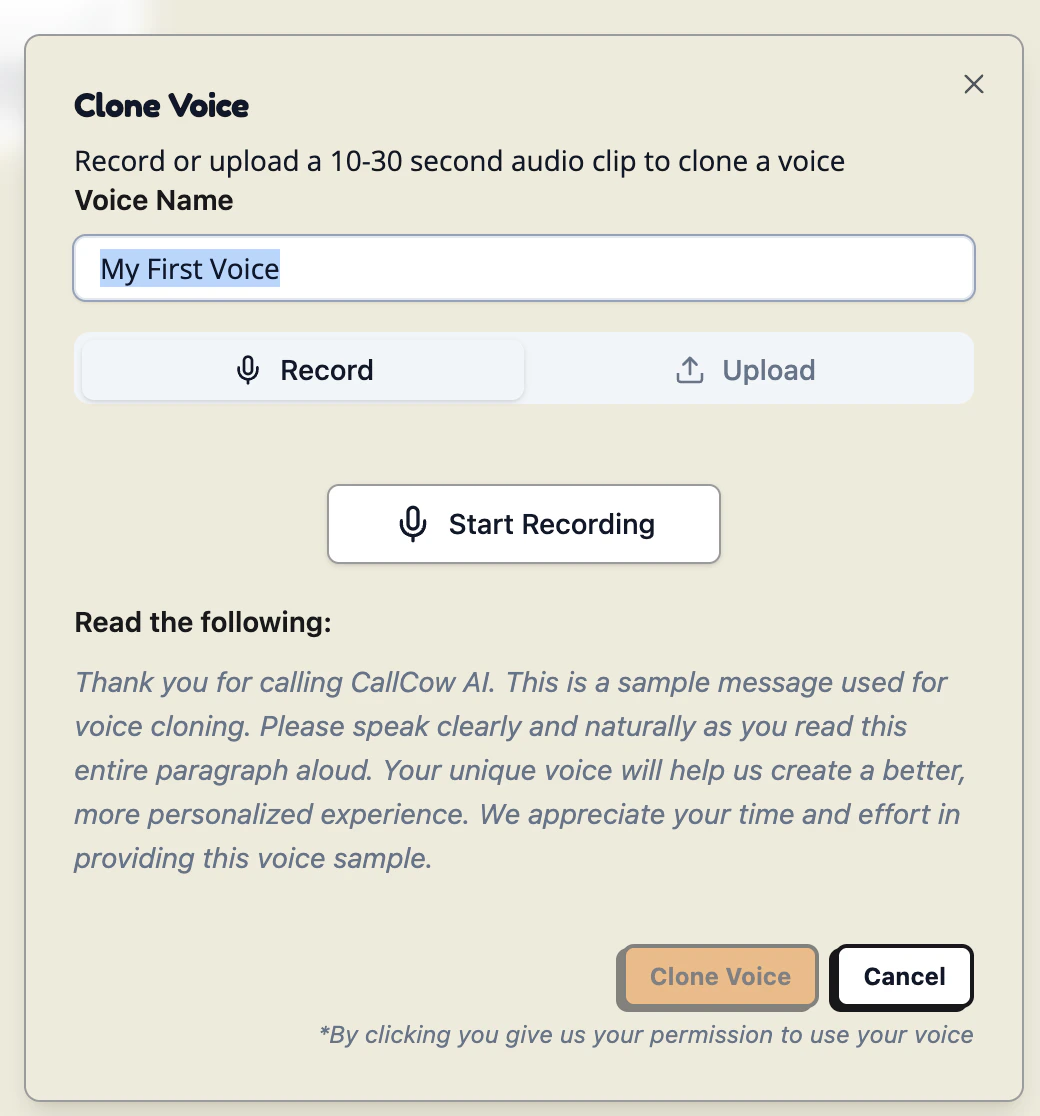 And that's it! You are done! You can now use your cloned voice in all workflows
 # Security Considerations
We do not store any audios of your actual calls, only the 30 second audio snippet will be used for voice cloning.
# Security Considerations
We do not store any audios of your actual calls, only the 30 second audio snippet will be used for voice cloning.